
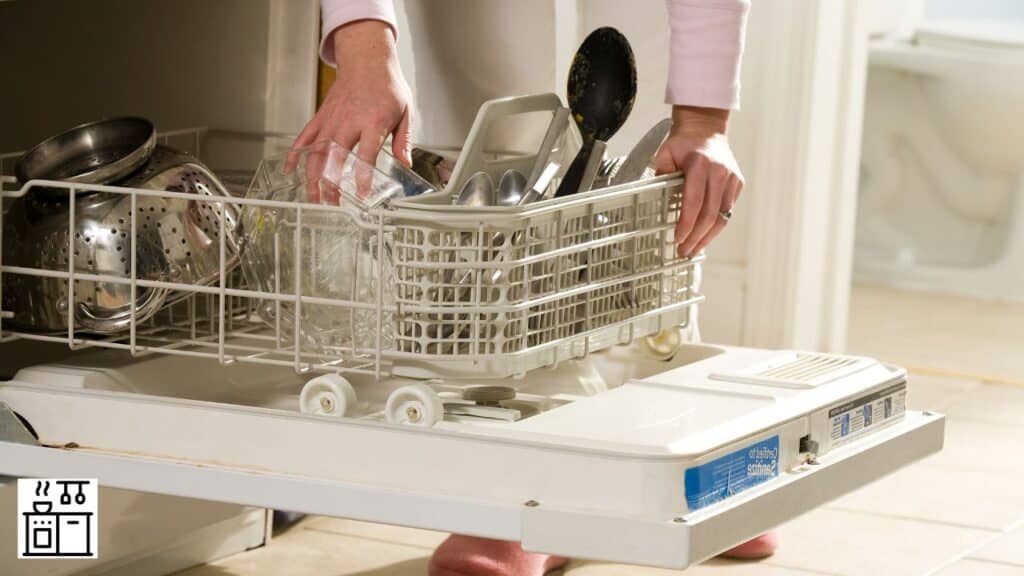
One of the factors customers pay attention to when buying a dishwasher is the runtime.
If you already own or are planning to buy a Whirlpool dishwasher, you may wish to know how long it takes to complete a cycle.
The Runtime of Whirlpool Dishwashers
Whirlpool gives a general cycle range of 1.5 to 4 hours, depending on the programme, water temperature, soil level and drying options. Quick or 1-Hour Wash commonly takes about an hour where available. Check the cycle table for your exact model.
New dishwashers usually have longer run cycles in the initial days since the sensors will be calibrating at this time.
Later cycle times can still vary with the load, inlet temperature and options.
If your dishwasher continues to run for an extended time beyond what is mentioned in the manual, there could be some problems.
Finding the cause of the problem will help you rectify it sooner. Let’s look at this in closer detail.
8 Checks for an Unusually Long Whirlpool Dishwasher Cycle
The Whirlpool dishwasher user guide mentions the cycle times for each setting.
It will give you a fair idea of how long your dishwasher should run under normal conditions.
If your dishwasher seems to run too long, compare its behaviour with the manual before treating the duration as a fault.
1. Check the Cleanliness of Your Dishes
Dishwashers need more time to clean dirty dishes.
So, if your dishes are extremely soiled or have food stuck on them, the appliance will default to a longer cleaning cycle.
This can add several minutes to the runtime.
Scrape off large leftover food scraps before loading; this supports cleaning but does not guarantee a shorter cycle.
Scrape off large food scraps; routine pre-rinsing is generally unnecessary and uses extra water.
Load dishes so water can reach their surfaces and select a programme suited to the soil level.
2. Inspect the Filtration System
Clogs and obstructions are one of the most common reasons for extended dishwasher cycles.
You may already know that all the food particles, dirt, and debris in the dishwasher accumulate in the filter system.
This gunk builds up over time, obstructing the filter and slowing the appliance.
So, the dishwasher will run for much longer. It can also affect the overall efficiency of the appliance.
To avoid such problems, regularly inspect the filter of your Whirlpool dishwasher.
If you see any trapped food, get rid of it, and clean the filter.
Rinse and clean the removable filter as directed in the manual, then refit it securely.
Cleaning restores the filter’s ability to handle residue, but an unrelated long-cycle issue may remain.
3. Look for Any Obstructions
There are several vents and pipes in your dishwasher, and the appliance will slow down if any of them are blocked.
Check only user-accessible parts described in the manual; do not dismantle the appliance to inspect every pipe or vent.
Do not disconnect a drain hose on an energized appliance. For any maintenance permitted by the manual, first isolate power and water as directed; leave inaccessible plumbing and internal repairs to a qualified technician.
Also, see if anything is lodged in the kinks or bends that could slow down the flow of water.
Apart from the water systems, check the air vent and make sure it’s not obstructed or dirty.
When water and air smoothly flow through the system, the cycle length should be optimum.
4. Check the Incoming Water Temperature
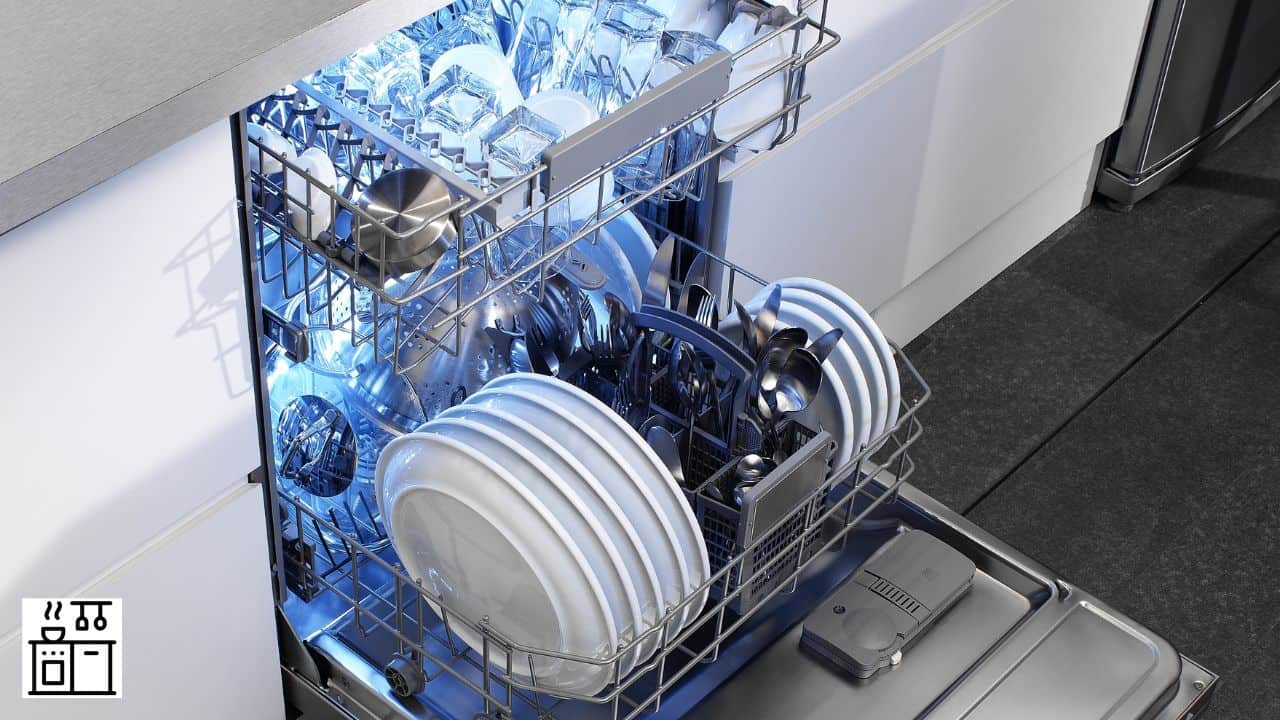
Whirlpool generally recommends a hot-water supply of about 120°F at the dishwasher; follow the installation instructions for your exact model.
If the heater delivers water at a lower temperature, the dishwasher will take longer to heat the water before starting the cycle.
This will add several minutes to the cycle, and the dishwasher will run for a longer time.
To prevent any wastage of time, assess whether the temperature of the water going into the dishwasher is correct.
If the supply does not meet the model’s requirements, have a qualified professional investigate it rather than raising the temperature merely to shorten cycles.
You can also run the water in the sink for a few minutes to raise the temperature to the desired level before starting the dishwasher.
It will help the device start with the proper water temperature and reduce the overall cycle time.
5. Check for Mineral Buildup Issues
Hard water can be one of the reasons that your Whirlpool dishwasher takes longer to operate.
Hard water contains minerals that deposit on the surfaces of the appliance.
They can build up around the filter, on the spray arms, sensor systems, and the heating element.
Mineral deposits can affect cleaning and wetted components, but a long cycle alone does not prove that a sensor is faulty.
Adding a water softener will reduce the extent of problems caused by limescale deposits.
You can also use lime descaler tablets to remove any buildup from the surfaces.
Use only a dishwasher cleaner or descaler approved for your model, at the frequency and dose in its instructions.
Do not substitute vinegar or another cleaner unless your model’s care instructions allow that procedure. Never mix cleaning products.
6. Inspect the Spray Arms
Dishwashers use spray arms to target fine jets of water toward dirty dishes.
The force with which the water falls on the dishes plays an important role in cleaning the grime off the surfaces.
The spray arms also move around to ensure that water reaches all the nooks and crannies.
Clear spray arms help water reach the dishes, though other factors can still extend the programme.
However, if they are obstructed, the entire water flow is impeded.
A blockage can reduce cleaning performance; it does not necessarily change the programmed time.
Regularly inspect the spray arms of the dishwasher to check if they are affected by food or dirt deposits.
In case there is any obstruction, clean the spray arms without damaging the shape of the holes on them.
This can improve water flow without guaranteeing a shorter cycle.
7. Select the Right Cycle Setting
By reading your manual properly and understanding the intent of each setting, you can choose cycles or adjust the load for optimized run cycles.
Whirlpool dishwashers have a wide range of settings, and each one has a different length.
The extra settings will usually take much longer to complete than normal settings.
However, normal settings are usually enough for most types of dishes.
Normal settings are optimized for water and energy usage, ensuring that your appliance is operating efficiently.
Extra options such as Heated Dry or Sani Rinse can add time. Normal programmes also heat water.
Avoid choosing extra-long cycles unless your load demands it.
Use Normal when it suits the load, but do not use an inadequate programme merely to finish sooner.
Related Reading: Manufacturing Locations of 8 Types of Whirlpool Appliances
8. Inspect the Heating Element
The heating element in your Whirlpool dishwasher could be responsible for excessively long cycles if it has become faulty.
As we said earlier, the temperature of water affects the cycle duration.
If the water isn’t heated properly, it can impede normal operation.
Do not test or repair the heating element yourself unless you are qualified; it is an electrical component.
Call a professional service agent to inspect the heating element and fix any likely problems.
A repair can resolve a confirmed fault, but the normal programme duration will still depend on the load and settings.
If poor cleaning or error messages continue, follow the model’s troubleshooting guidance and contact service.
